• Blog
  • Docs
  • Pricing
Log InStart for free
  • Introduction
  • Getting Started
  • Interface
  • Command Palette
  • Chat
    • Suggestions
    • Web Search
    • SEO Guidelines
    • AI Overviews Guidelines
    • Internal Link Research
    • Keyword Data
    • Search Intent Analysis
    • SERP Visibility
    • Keyword Perfomance
    • Charts
  • Content Generation
    • Single Content Generation
    • Bulk Content Generation
    • Content Generation from Topic Research
    • Content Generation via Chat
    • Custom instructions
  • Canvas
    • Editing via Chat
    • Canvas Comments
    • Autosave & Version Control
    • Exporting Content
  • Topic Research
  • Knowledge Base
  • Brand Voice
  • Organization
    • Create or Join Organization
    • Team
    • Projects
    • Domain Verification
    • Billing
  • User settings
  • Supported Languages
  • Troubleshooting & Common Issues
  • Bots
Docs

Organization

The Organization section is your control center for team management, access control, and project setup. Access it from the sidebar by clicking Organization.

It has four tabs: Dashboard, Team, Projects and Billing.

Dashboard

The Dashboard tab shows your organization name and is the landing view for the section.
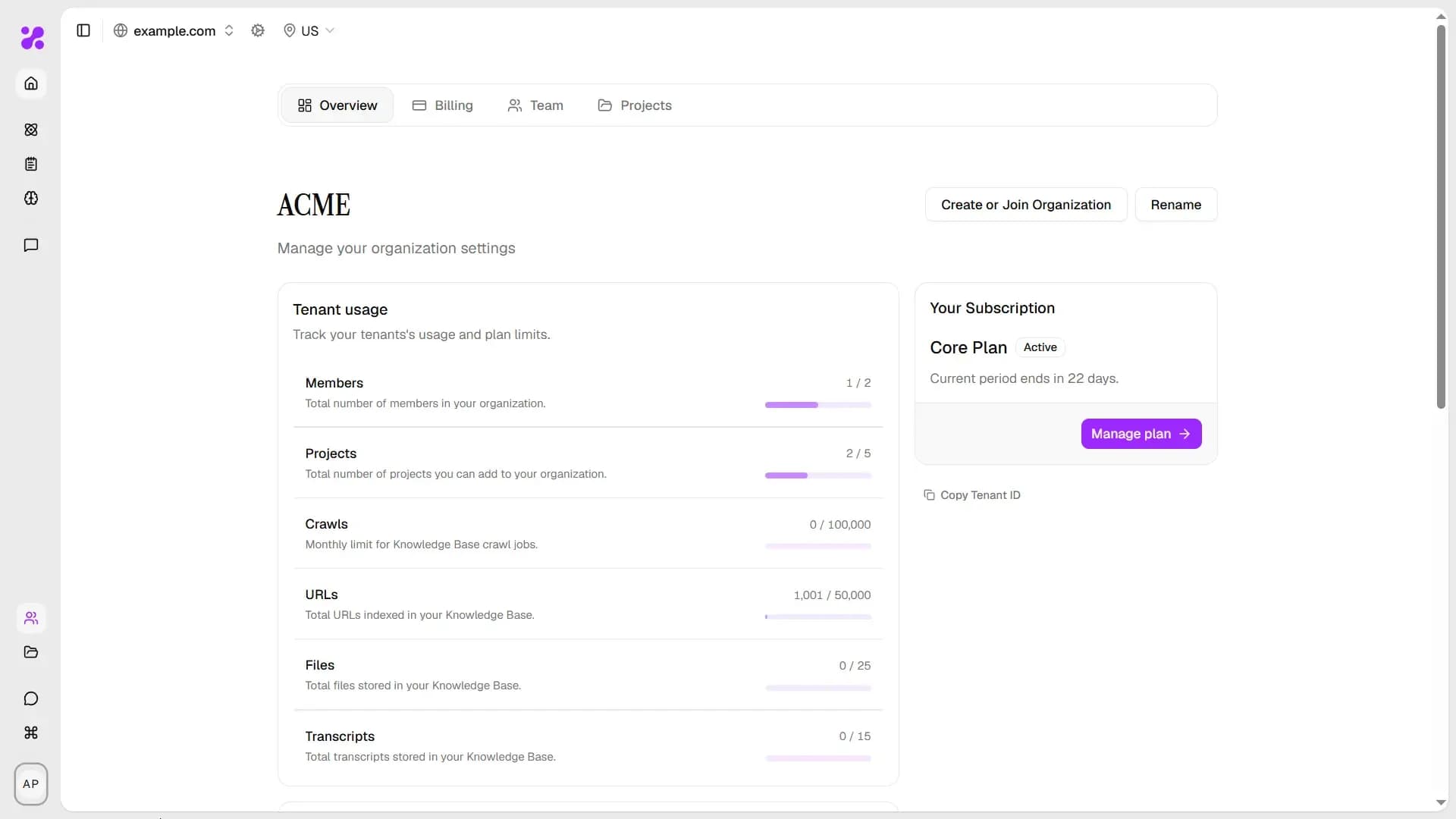
Organization tab

From here, you can:

  • Create or join organisations
  • Manage your team
  • Add, delete or edit your projects
  • Manage your billing
PreviousBrand VoiceNextCreate or Join Organization

Generate content at scale, for humans and AI, faster than brewing your morning coffee.

YOSA (良さ, yōsa) — Japanese for merit; the quality of being genuinely good.

Solutions

  • Content Generation
  • Topic Research
  • Knowledge Base
  • AI-Powered Canvas

Company

  • Blog
  • Pricing
  • Docs
  • Contact us

Follow us on Social Media


© 2026 Top Online Sp. z o.o. All rights reserved.

Terms of ServicePrivacy Policy

Crafted with love by WXGroup.

The ghost in your machine