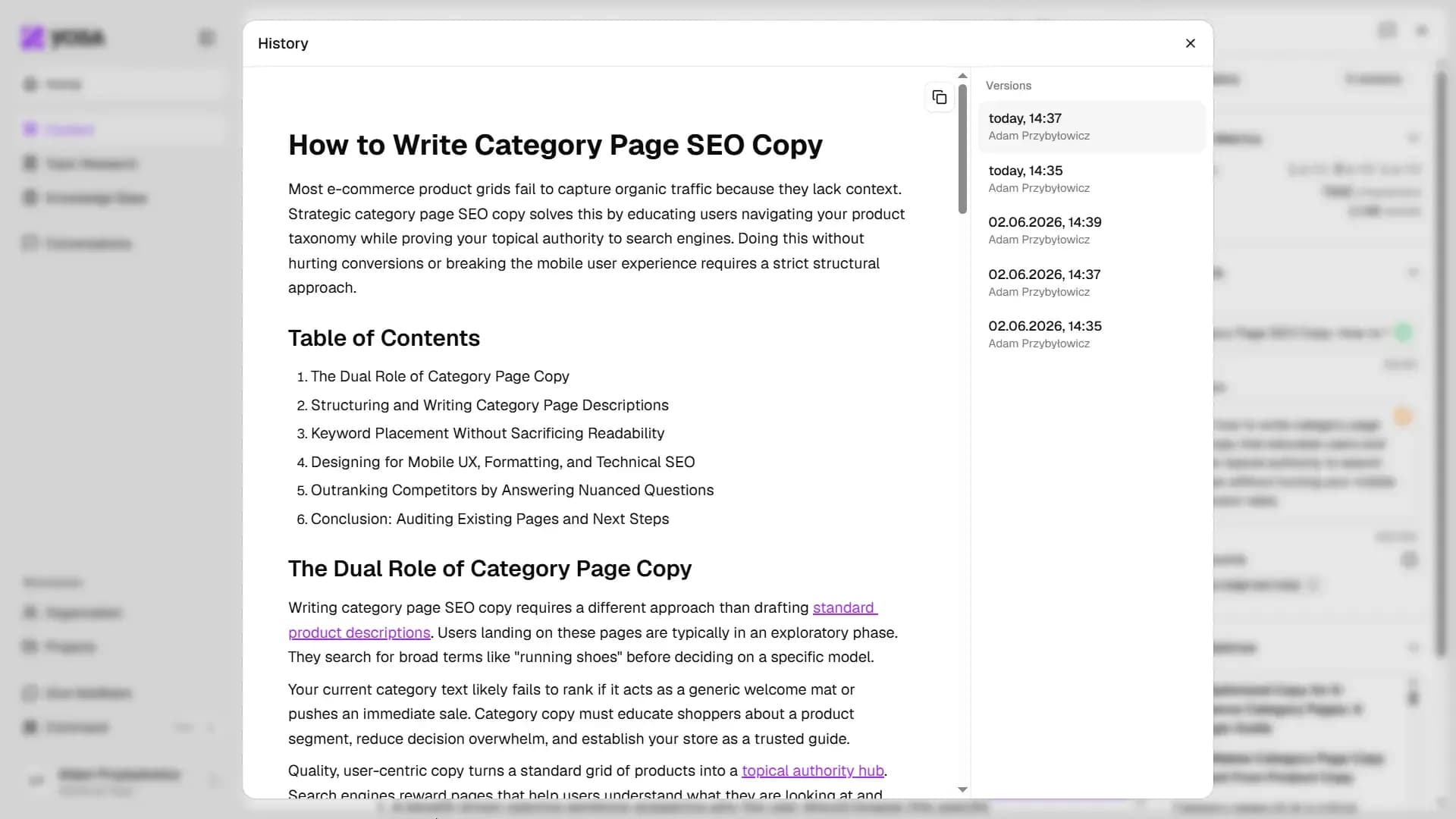
Canvas saves automatically as you type - there's no save button to remember, similar to Google Docs. Every significant edit also creates a new entry in version history.
To view and restore previous versions:
- Click the panel icon in the top-right corner to open Details.
- Click History at the top of the panel.
- Browse saved versions and click one to preview it.
- Copy snapshot text and paste it into Canvas.