The Command palette lets you navigate and trigger actions from anywhere in the app without touching the mouse.
Open it with: Ctrl K (Windows/Linux) or ⌘ K (Mac)
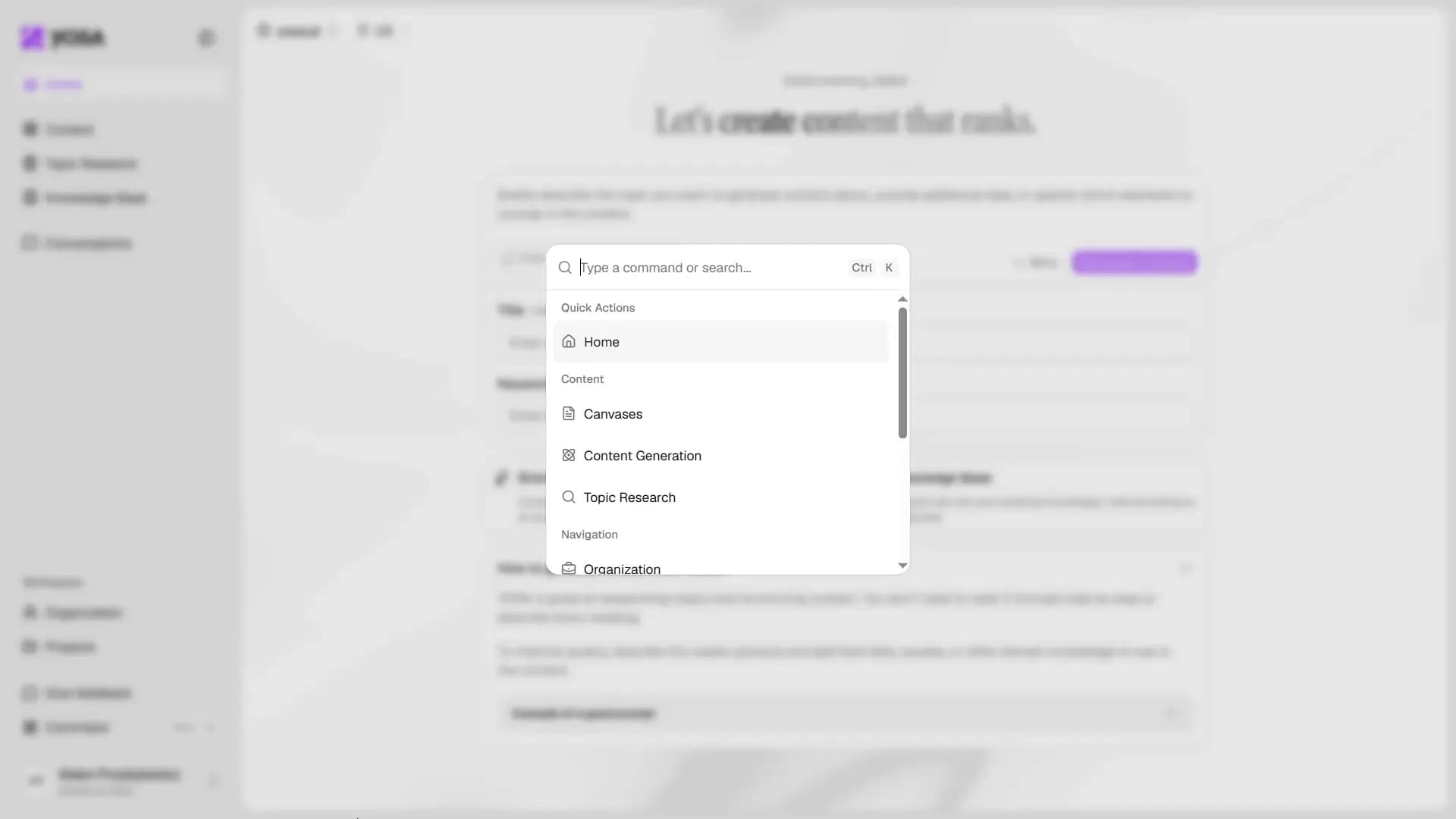
Type any command or keyword to filter results. Available actions are grouped into three categories:
Category | Actions |
Quick Actions | New Conversation |
Content | Canvases, Content Generation, Topic Research |
Navigation | Organization (and other sections) |
Theme | Interface theme settings |