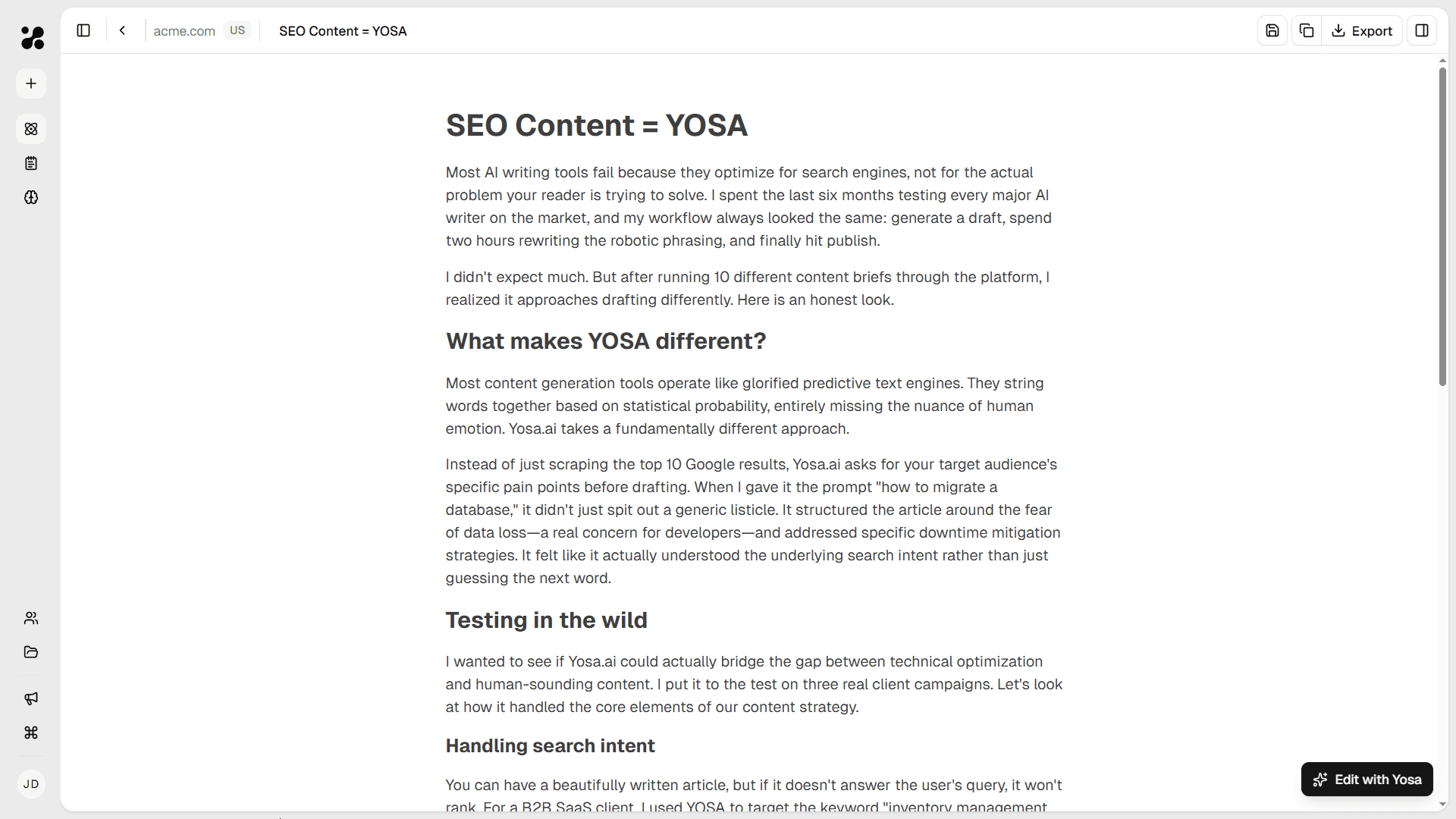
Make changes by hand, or just drop a comment
Canvas is where YOSA's output becomes yours. Edit manually, leave a comment for AI to rewrite, or roll back to any previous version. Feel free to get your hands dirty.
In most AI tools you can generate a draft in seconds. But every edit means re-explaining what you meant, re-pasting sources or doing it by hand in other app.
In YOSA, the AI knows the full picture. Edit by hand, rewrite with AI or adjust tone - all in the same place where you create your content.
Block-based editor
A Notion-like editor where every section is a separate block. Click a paragraph to make a change, drag to reorder, type /h2 or /list to add new blocks on the fly.
Roll back everytime
Every edit and rewrite is saved automatically. Changed your mind or went too far? Browse previous versions, compare them side by side, and roll back to the one that worked better.
AI assistant built in
YOSA chat alongside your text. Need to adjust tone, fix an argument, add links or rewrite all headings? Just ask - it already knows the context.
Edit like a document, rewrite like a brief
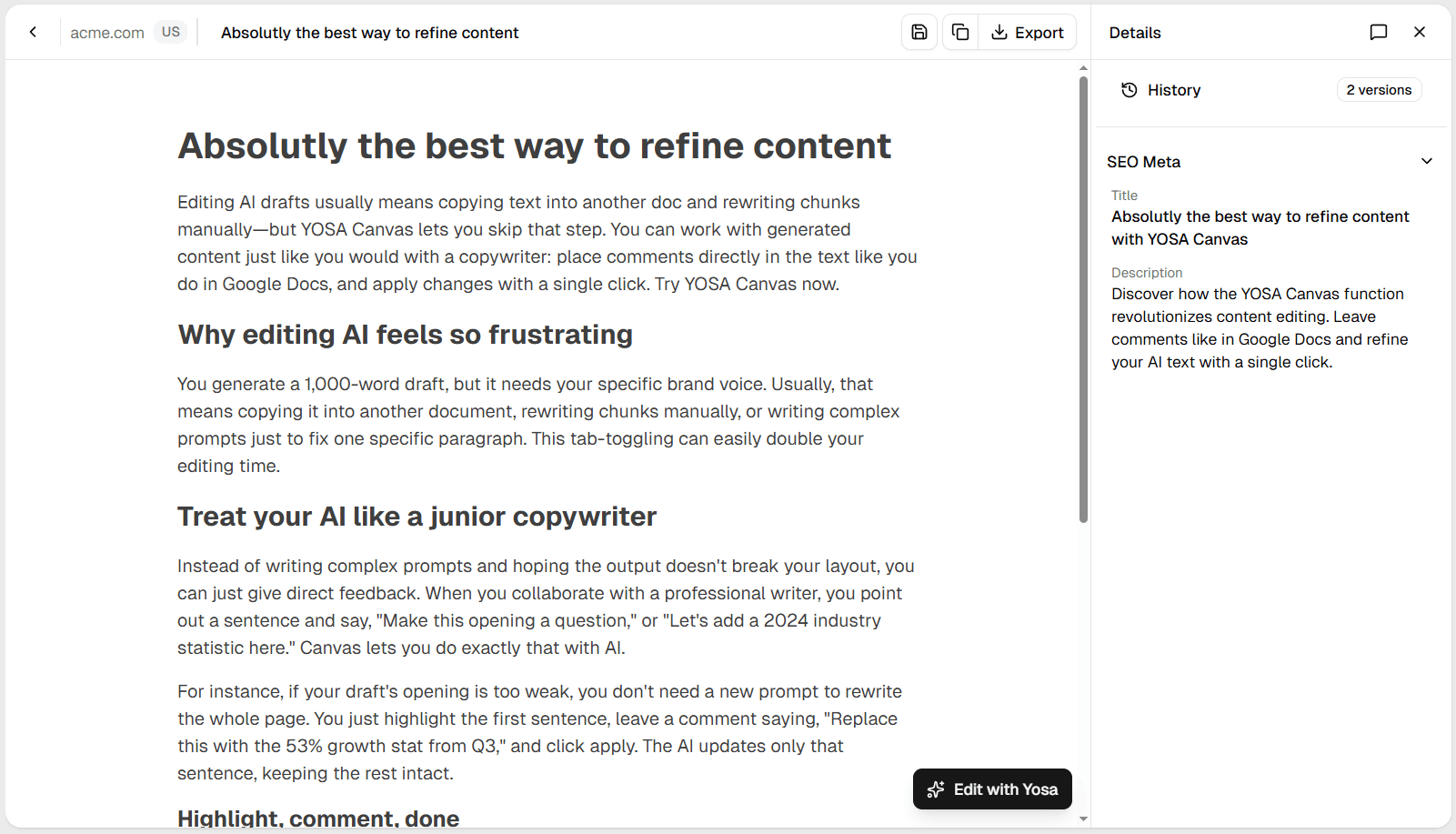
Canvas works like any editor you already know - select, type, done. When a section needs more attention, leave a comment instead, just like you would for a copy when reviewing his work.
Actual rewriting
Canvas understands the context around your comment. It reads what's already there - the paragraph, the section, the article structure, your brand voice and rewrites accordingly. The output fits the piece, not just the highlighted text.
Frequently asked questions
See how working with AI should feel
Generate your first blog post and make it yours in Canvas.