You can send topics directly from Topic Research into the generation form - no copy-pasting needed.
From Single generation: Click + From Topic Research above the title field. A modal opens showing your saved topic research results. Select one topic and confirm - the Title and Keywords fields are filled automatically.
From Bulk generation: Click From Topic Research in the batch table. The same modal opens, but here you can select multiple topics at once. Each selected topic becomes a row in the batch.
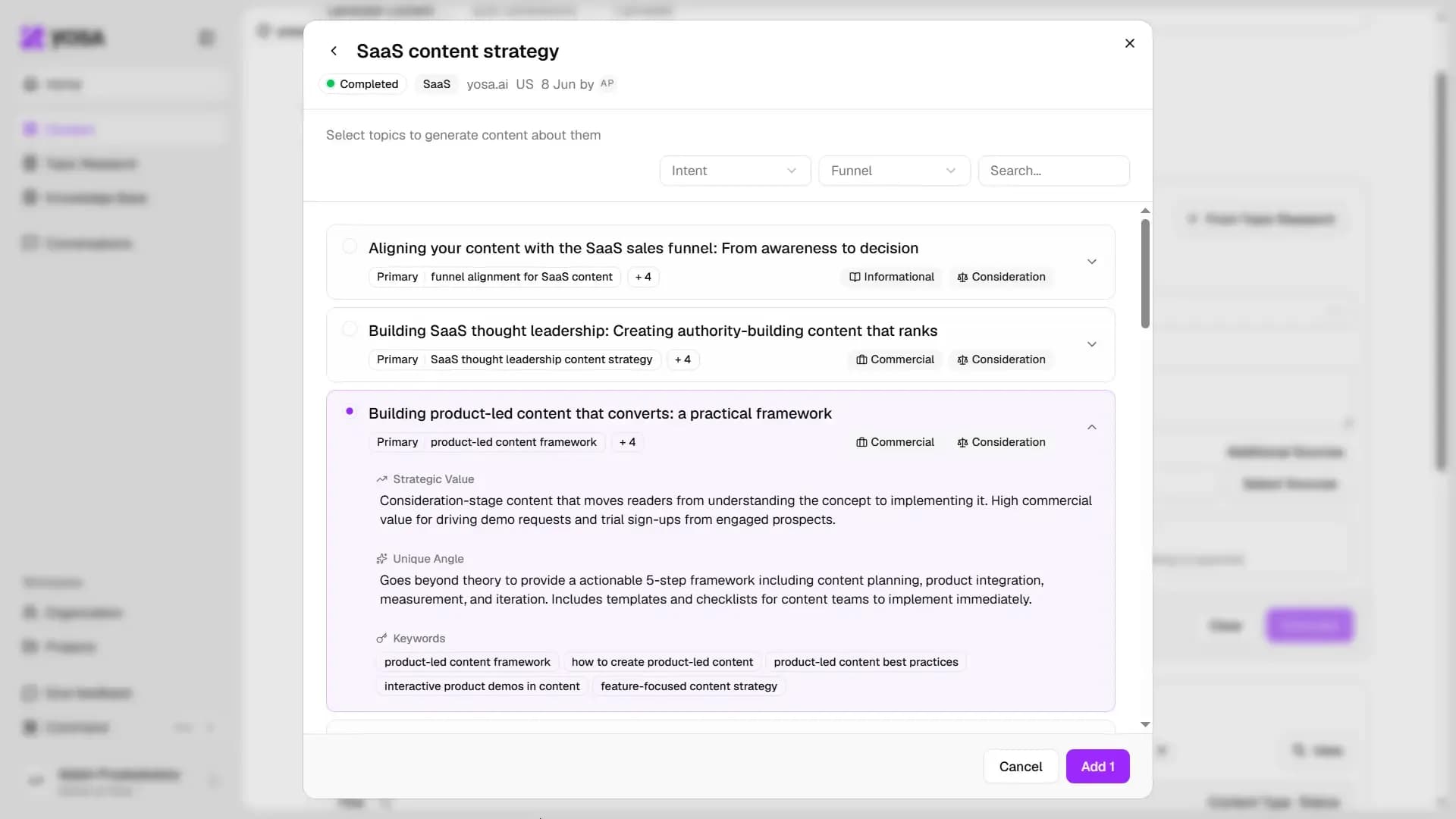
Each topic in the modal shows its primary keyword, intent type, funnel stage, and additional keyword tags. Use the Intent and Funnel filters to narrow down the list.