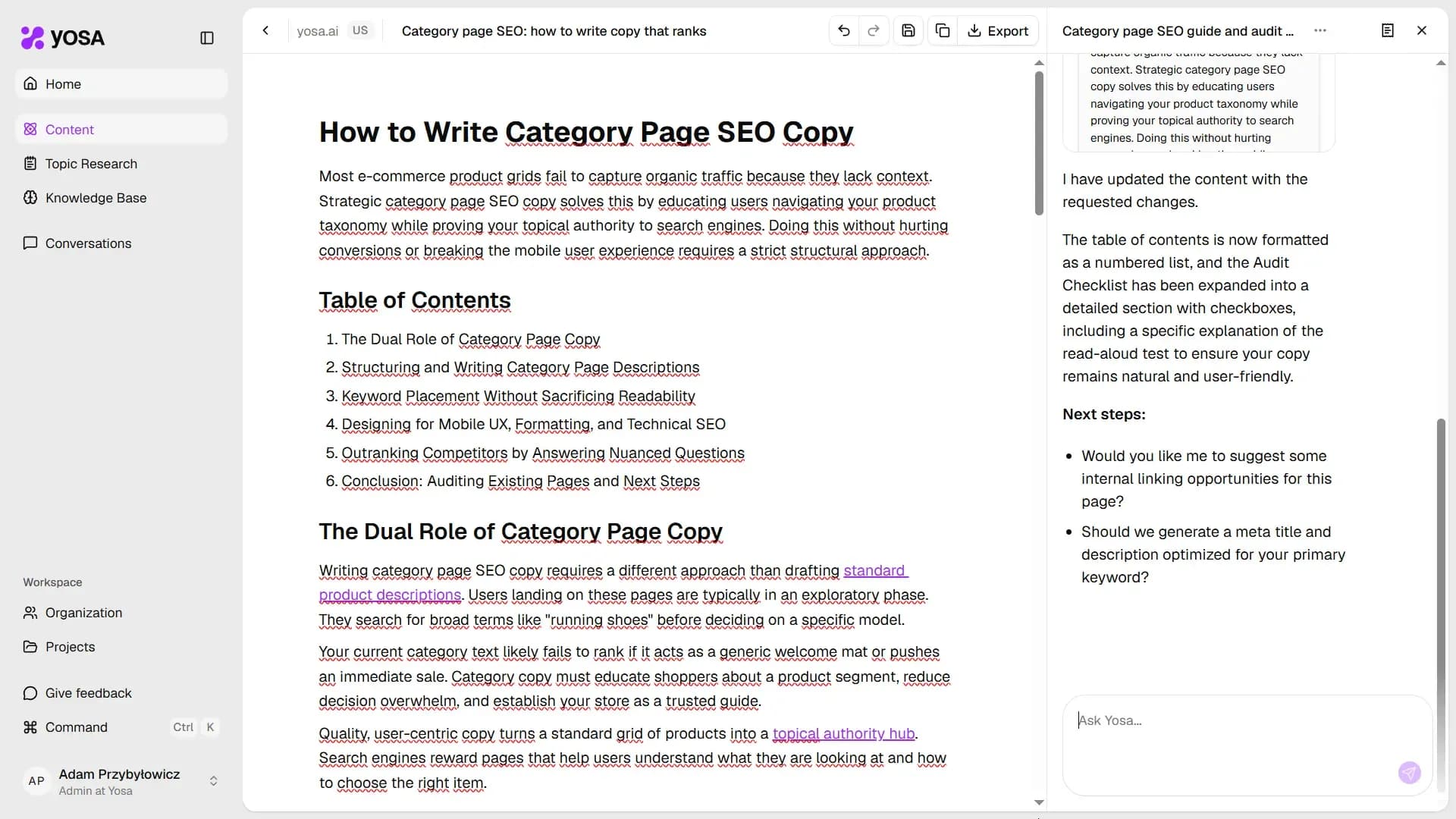
Click on the Details in the top-right and select chat icon to open the chat panel alongside the editor.
Type any instruction in the Ask Yosa… field and YOSA will rewrite, expand, or refine the content based on what you ask. The chat has full context: the article structure, your brand voice, the Knowledge Base, and the original generation brief - so rewrites fit the piece, not just the highlighted section.
Example prompts:
- "Make the introduction shorter and punchier."
- "Add a FAQ section at the end covering the top 3 questions about this topic."
- "Rewrite the second paragraph to be more suitable for beginners."
- "Find and add internal links from our site."